나노바나나: 제미나이 이미지 생성의 핵심
구글이 공개한 '나노바나나' 프롬프트 가이드는 제미나이(Gemini) 모델을 활용해 고품질의 이미지를 생성하고 수정하는 데 최적화된 지침서입니다. 이 가이드는 단순히 '프롬프트'를 제공하는 것을 넘어, 사용자가 이미지 생성 과정을 이해하고 의도한 바를 정확하게 구현하도록 돕는 강력한 도구입니다. 이 가이드에 따르면, 제미나이 무료 버전 사용자들은 대화창에 가이드 내용을 입력하고 이미지를 업로드하여 수정 및 생성을 진행할 수 있습니다. 한편, 유료 버전 사용자들은 이 가이드를 기반으로 맞춤형 **'Gems'**를 만들어 더욱 효율적으로 작업할 수 있습니다.
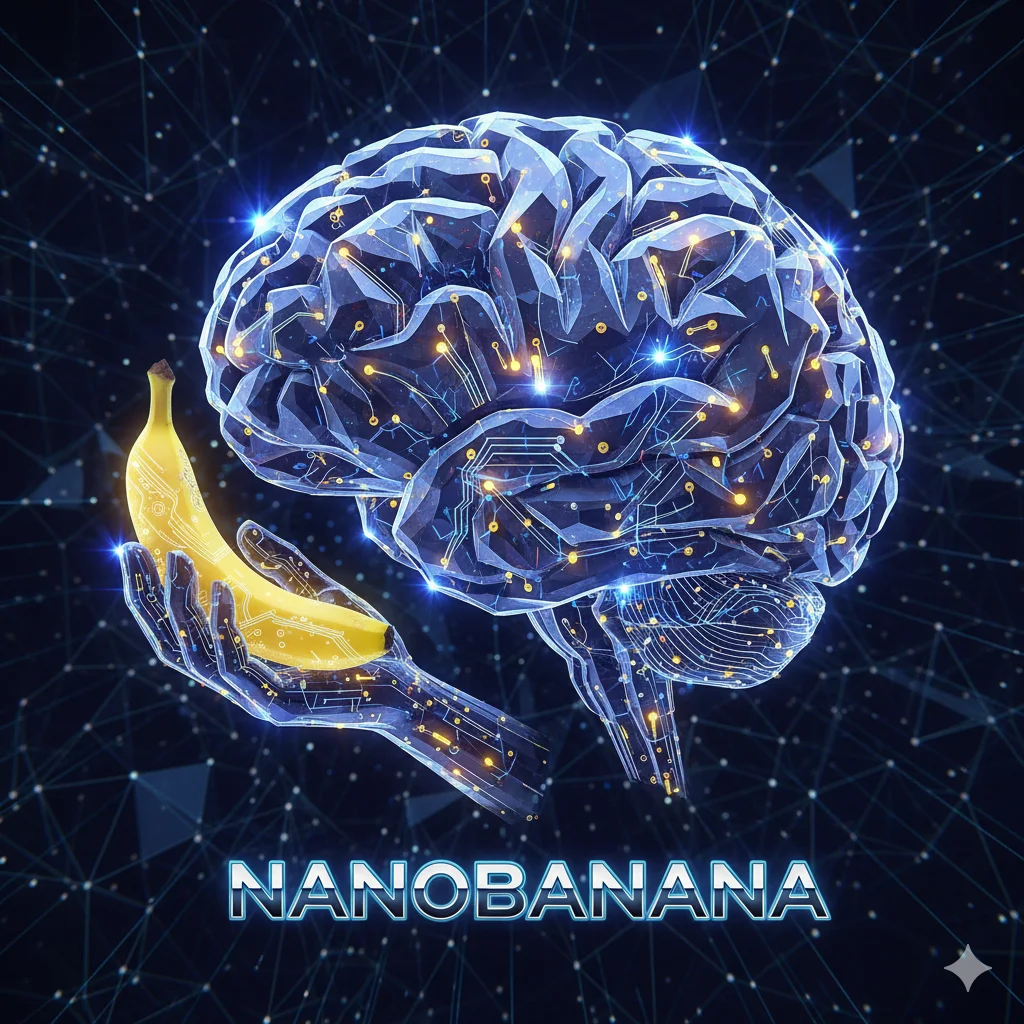
나노바나나 가이드는 마치 이미지 생성의 '요리 레시피'와 같습니다. 어떤 재료(키워드)를 어떻게 조합(프롬프트)해야 최상의 결과물(이미지)이 나오는지 10가지 핵심 템플릿을 통해 명확하게 제시하고 있습니다. 이제부터 이 10가지 템플릿을 하나씩 살펴보며, 각 템플릿이 어떤 상황에 가장 유용하게 활용될 수 있는지 자세히 알아보겠습니다.
10가지 핵심 프롬프트 템플릿 상세 분석
1. Photorealistic scenes (실사 이미지)
가장 먼저 소개하는 것은 실사 이미지 템플릿입니다. 실제 사진과 같은 극사실적인 이미지를 만들 때 사용합니다. 사진작가의 시점에서 접근하는 것이 핵심이며, 카메라 앵글, 렌즈 종류, 조명, 그리고 미세한 질감까지 세밀하게 묘사하는 것이 중요합니다.
- 템플릿: A photorealistic [shot type] of [subject], [action or expression], set in [environment]. The scene is illuminated by [lighting description], creating a [mood] atmosphere. Captured with a [camera/lens details], emphasizing [key textures and details]. The image should be in a [aspect ratio] format.
- 예시: A photorealistic close-up portrait of an elderly Japanese ceramicist with deep, sun-etched wrinkles and a warm, knowing smile. He is carefully inspecting a freshly glazed tea bowl. The setting is his rustic, sun-drenched workshop. The scene is illuminated by soft, golden hour light streaming through a window, highlighting the fine texture of the clay. Captured with an 85mm portrait lens, resulting in a soft, blurred background (bokeh). The overall mood is serene and masterful. Vertical portrait orientation.
2. Stylized illustrations & stickers (일러스트 및 스티커)
캐릭터 디자인, 아이콘, 스티커 등 특정 스타일의 일러스트를 만들고 싶을 때 유용합니다. 디자인의 특징, 색상, 선의 형태, 음영 등을 명확하게 지정하는 것이 중요하며, 특히 스티커처럼 배경을 투명하게 하거나 흰색으로 만들고 싶다면 이를 명시해야 합니다.
- 템플릿: A [style] sticker of a [subject], featuring [key characteristics] and a [color palette]. The design should have [line style] and [shading style]. The background must be white.
- 예시: A kawaii-style sticker of a happy red panda wearing a tiny bamboo hat. It's munching on a green bamboo leaf. The design features bold, clean outlines, simple cel-shading, and a vibrant color palette. The background must be white.
3. Accurate text in images (이미지 내 정확한 텍스트)
이미지 안에 특정 텍스트를 정확하게 렌더링하고 싶을 때 사용합니다. 로고, 배너, 포스터 등 텍스트가 핵심인 이미지를 만들 때 필수적인 템플릿입니다. 원하는 텍스트, 폰트 스타일, 그리고 전체적인 디자인을 구체적으로 설명해야 합니다.
- 템플릿: Create a [image type] for [brand/concept] with the text "[text to render]" in a [font style]. The design should be [style description], with a [color scheme].
- 예시: Create a modern, minimalist logo for a coffee shop called 'The Daily Grind'. The text should be in a clean, bold, sans-serif font. The design should feature a simple, stylized icon of a coffee bean seamlessly integrated with the text. The color scheme is black and white.
4. Product mockups & commercial photography (제품 목업 및 광고)
전자상거래, 광고, 브랜딩을 위한 전문적인 제품 사진을 만들 때 최적화된 템플릿입니다. 조명, 배경, 카메라 앵글 등 상업 사진의 요소를 상세히 지정하여 실제 스튜디오에서 촬영한 듯한 고품질의 목업 이미지를 생성할 수 있습니다.
- 템플릿: A high-resolution, studio-lit product photograph of a [product description] on a [background surface/description]. The lighting is a [lighting setup, e.g., three-point softbox setup] to [lighting purpose]. The camera angle is a [angle type] to showcase [specific feature]. Ultra-realistic, with sharp focus on [key detail]. [Aspect ratio].
- 예시: A high-resolution, studio-lit product photograph of a minimalist ceramic coffee mug in matte black, presented on a polished concrete surface. The lighting is a three-point softbox setup designed to create soft, diffused highlights and eliminate harsh shadows. The camera angle is a slightly elevated 45-degree shot to showcase its clean lines. Ultra-realistic, with sharp focus on the steam rising from the coffee. Square image.
5. Minimalist & negative space design (미니멀리즘 및 여백)
웹사이트, 프레젠테이션, 마케팅 자료의 배경 이미지를 만들 때 효과적입니다. 의도적으로 많은 여백(negative space)을 두어 텍스트를 오버레이하기 용이한 이미지를 만듭니다. 피사체의 위치와 조명을 섬세하게 조절하는 것이 중요합니다.
- 템플릿: A minimalist composition featuring a single [subject] positioned in the [bottom-right/top-left/etc.] of the frame. The background is a vast, empty [color] canvas, creating significant negative space. Soft, subtle lighting. [Aspect ratio].
- 예시: A minimalist composition featuring a single, delicate red maple leaf positioned in the bottom-right of the frame. The background is a vast, empty off-white canvas, creating significant negative space for text. Soft, diffused lighting from the top left. Square image.
6. Sequential art (comic panel / storyboard) (연속 이미지/스토리보드)
만화 패널이나 스토리보드를 제작하여 시각적인 서사를 만들 때 사용합니다. 각 패널의 배경, 등장인물의 행동, 대화 상자 등을 명확하게 묘사하여 스토리텔링에 적합한 이미지를 생성합니다.
- 템플릿: A single comic book panel in a [art style] style. In the foreground, [character description and action]. In the background, [setting details]. The panel has a [dialogue/caption box] with the text "[Text]". The lighting creates a [mood] mood. [Aspect ratio].
- 예시: A single comic book panel in a gritty, noir art style with high-contrast black and white inks. In the foreground, a detective in a trench coat stands under a flickering streetlamp, rain soaking his shoulders. In the background, the neon sign of a desolate bar reflects in a puddle. A caption box at the top reads "The city was a tough place to keep secrets." The lighting is harsh, creating a dramatic, somber mood. Landscape.
7. Image editing: Adding & removing elements (요소 추가 및 제거)
기존 이미지에 특정 요소를 추가하거나 제거하는 데 사용됩니다. 이 템플릿의 강점은 기존 이미지의 스타일, 조명, 원근법을 분석하여 변경 사항을 자연스럽게 통합한다는 점입니다.
- 템플릿: Using the provided image of [subject], please [add/remove/modify] [element] to/from the scene. Ensure the change is [description of how the change should integrate].
- 예시: Using the provided image of my cat, please add a small, knitted wizard hat on its head. Make it look like it's sitting comfortably and matches the soft lighting of the photo.
8. Inpainting: editing a specific area (특정 영역 수정)
이미지의 특정 부분만 편집하고 나머지는 그대로 유지하고 싶을 때 사용합니다. 원래 이미지의 스타일과 조명, 구도를 그대로 유지하면서 원하는 부분만 바꾸는 정교한 수정이 가능합니다.
- 템플릿: Using the provided image, change only the [specific element] to [new element/description]. Keep everything else in the image exactly the same, preserving the original style, lighting, and composition.
- 예시: Using the provided image of a living room, change only the blue sofa to be a vintage, brown leather chesterfield sofa. Keep the rest of the room, including the pillows on the sofa and the lighting, unchanged.
9. Style transfer (스타일 변환)
제공된 사진의 내용을 특정 예술가의 스타일이나 미술 양식으로 변환합니다. 원본의 구도는 유지하되, 전체적인 느낌을 완전히 새롭게 바꾸는 것이 특징입니다.
- 템플릿: Transform the provided photograph of [subject] into the artistic style of [artist/art style]. Preserve the original composition but render it with [description of stylistic elements].
- 예시: Transform the provided photograph of a modern city street at night into the artistic style of Vincent van Gogh's 'Starry Night'. Preserve the original composition of buildings and cars, but render all elements with swirling, impasto brushstrokes and a dramatic palette of deep blues and bright yellows.
10. Advanced composition: Combining multiple images (다중 이미지 조합)
여러 이미지를 조합하여 새로운 합성 이미지를 만듭니다. 제품 목업이나 창의적인 콜라주를 만들 때 유용하며, 각 이미지의 요소를 활용해 완전히 새로운 장면을 연출할 수 있습니다.
- 템플릿: Create a new image by combining the elements from the provided images. Take the [element from image 1] and place it with/on the [element from image 2]. The final image should be a [description of the final scene].
- 예시: Create a professional e-commerce fashion photo. Take the blue floral dress from the first image and let the woman from the second image wear it. Generate a realistic, full-body shot of the woman wearing the dress, with the lighting and shadows adjusted to match an outdoor environment.
나노바나나 가이드 활용법

나노바나나 가이드는 단순히 AI 이미지 생성에 국한되지 않고, 다양한 창작 활동에 폭넓게 활용될 수 있는 잠재력을 가지고 있습니다. 각 템플릿의 특징을 잘 이해하고 자신의 콘텐츠에 맞게 적용해보세요.
예를 들어, 만화 제작이나 스토리보드를 구상할 때는 템플릿 6을, 개인 디자인 포트폴리오를 만들 때는 템플릿 2, 4, 5를 조합하여 활용할 수 있습니다. 기존 사진에 새로운 요소를 추가하거나(템플릿 7), 특정 부분만 수정(템플릿 8)하여 보다 정교한 이미지 편집을 시도할 수도 있습니다.
이처럼 구글의 나노바나나 프롬프트 가이드는 창의성을 현실로 구현하는 강력한 도구가 될 것입니다.
'Tips' 카테고리의 다른 글
| 충치 치료, 이제 무섭지 않아요! 단계별 치료 과정과 핵심 정보 총정리 (0) | 2025.09.30 |
|---|---|
| AI 프롬프트, 문화적 요소 스타일 총정리 (1) | 2025.09.27 |
| AI 프롬프트, 미래 지향적 스타일 총정리 (0) | 2025.09.23 |
| 인생 디저트를 찾고 있다면 주목! 낯설지만 치명적인 매력의 '퍼지' 파헤치기 (0) | 2025.09.17 |
| AI 프롬프트, 패션 디자이너 스타일 총정리 (0) | 2025.09.16 |


댓글